Home / Demo
Demo store
Order a decorated cap in two minutes. Then see what the shop sees.
A full WooCommerce store running StitchPress 1.0.0-rc4 with three templates, six products and the Job Jacket. No payment is taken. Everything anyone enters is deleted every day at 04:00 US Eastern.
- Part 1 · StorefrontOrder a decorated cap
- Part 2 · AdminOpen the order the shop received
demo / demo (shop manager; public by design)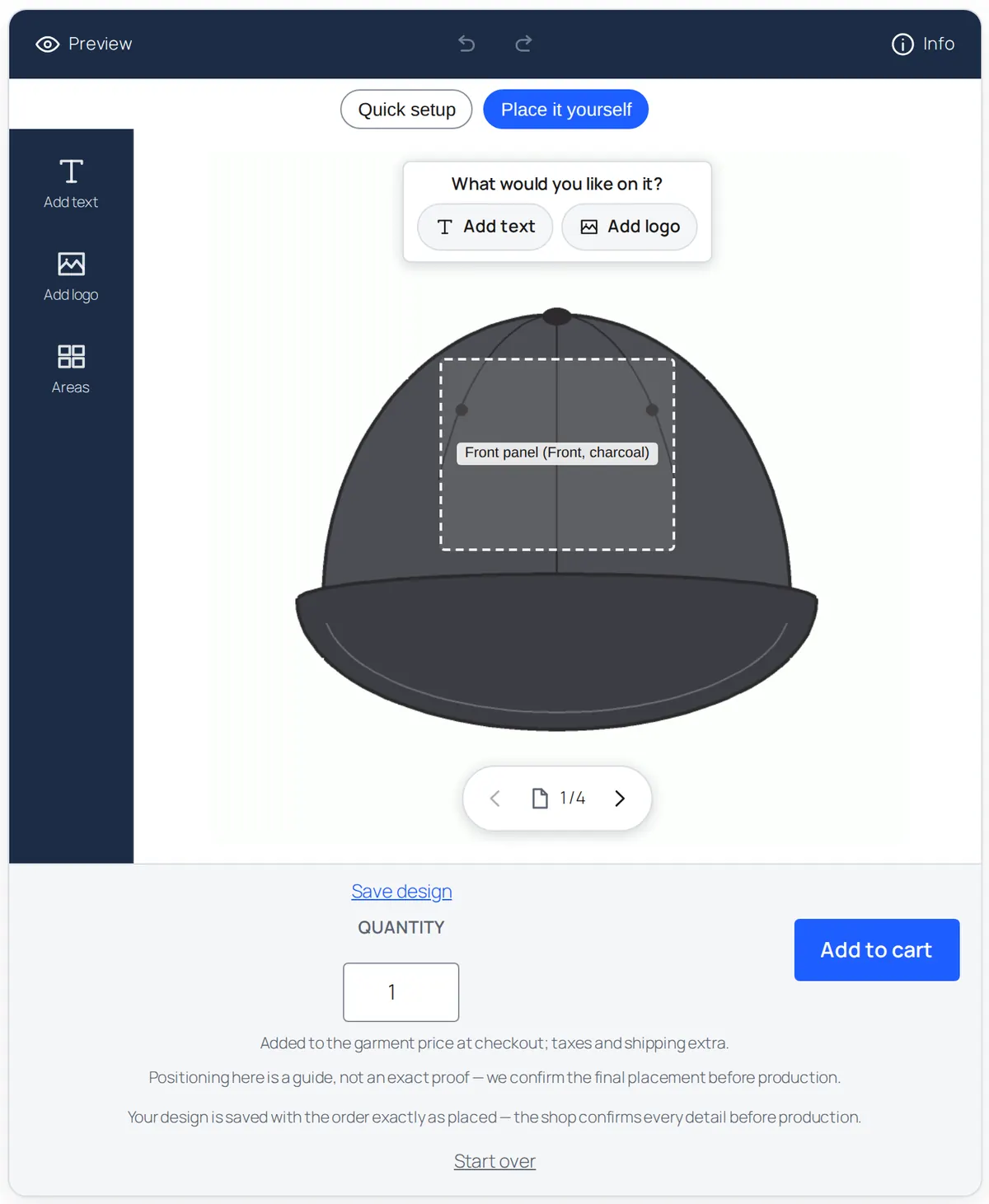

The path
Three steps from the product page to the Job Jacket.
-
Decorate the demo cap
- You do
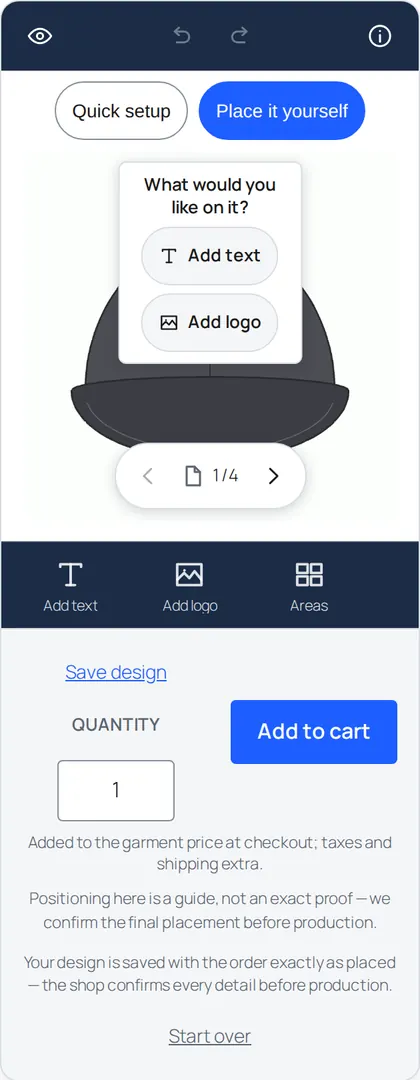
- Tap a decoration area and fill in the form, or place text and a logo on the cap and drag, scale and rotate it inside the area.
- You see
- The price changes with placement and size. The setup fee is counted once per new logo across the cart.
-
Check out without paying
- You do
- Use the classic or block checkout with "Demo order (no payment taken)" and a made-up name and address.
- You see
- The order confirmation with the design summary.
-
Log in as demo / demo
- You do
- Open the admin login and find your order in the production queue.
- You see
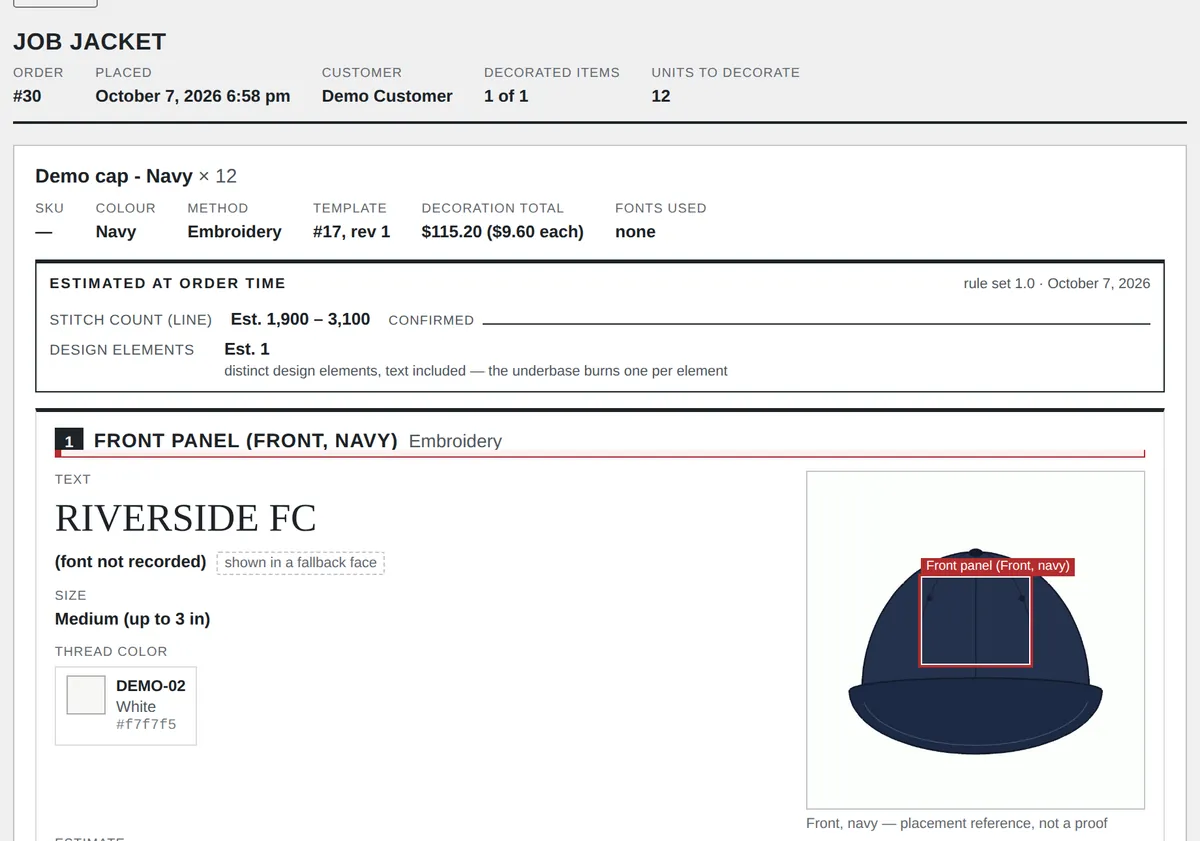
- The order, its Job Jacket, its proof rounds and the template that priced it. The proof link is in an order note, because the demo sends no email.
On the store
What a visitor can do
- 01
Open any of the six products
A cap, a tee and a tote, each in two versions, each with the designer on the product page.
- 02
Use both capture modes
Tap a decoration area and fill in the form, or place text and a logo on the garment and drag, scale and rotate it inside the area.
- 03
Text, a logo, thread colours
Text in the demo font, a JPG, PNG or PDF logo, thread colours from the eight-colour demo palette.
- 04
Watch the price move
Placement and size change it; the setup fee is counted once per new logo across the cart.
- 05
Save a design
Save it and reopen it from its link, no account needed.
- 06
Check out
Classic or block checkout with the no-payment method, then the order confirmation with the design summary.
In the admin, as demo / demo
The order, the Job Jacket, the queue, the template.
- The production queue with the two sample orders and any orders placed that day
- An order's Job Jacket, its staff print view and batch printing
- Proof rounds on an order: create a round, see the hold, approve on the customer's behalf, or follow the proof link from the order note to the customer's page
- Production status changes: Queued, In production, Ready, Shipped
- The template editor with its decoration areas, sizes and price table; the Price matrix; bulk assign with its preview
- CSV export of the day's decorated orders, and the System status screen
Locked on purposeLicence entry, demo data import and remove, font uploads, settings saves, users, plugins, themes, WooCommerce settings and payment methods, outgoing mail and outgoing HTTP.
After the demo
Liked the order? The licence is $199 a year.
Every feature, no per-order fee, 14-day refund.