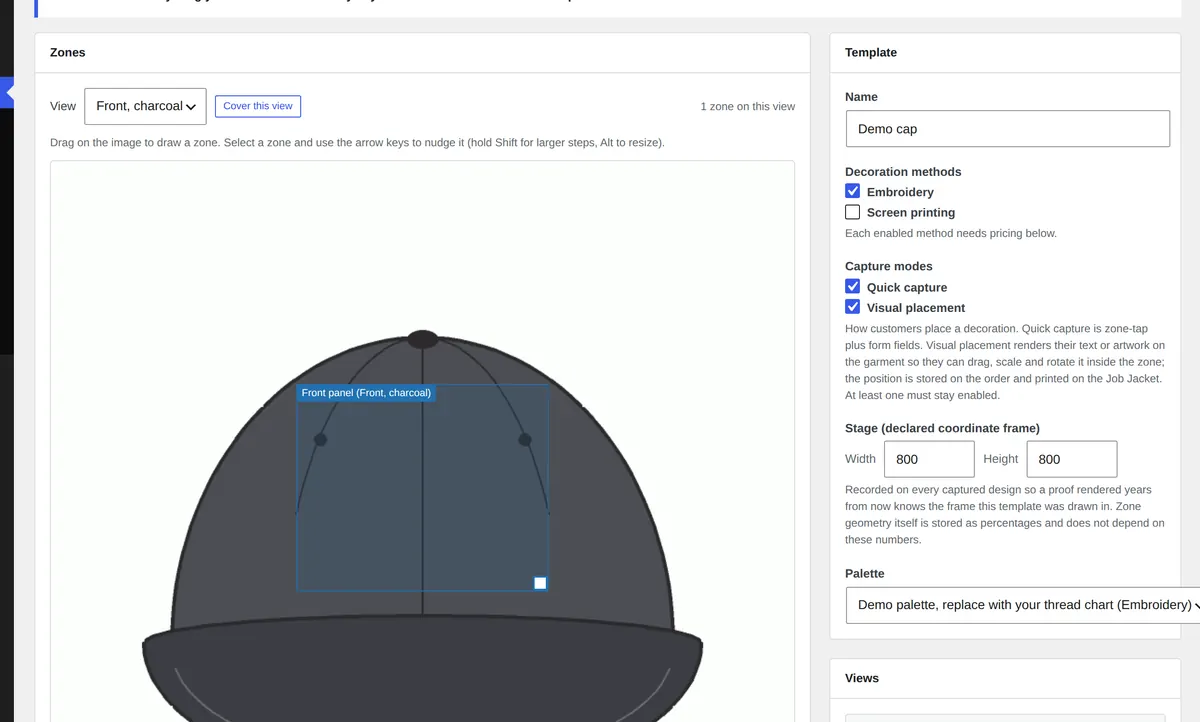
Garment views and zones, assigned where you need them.
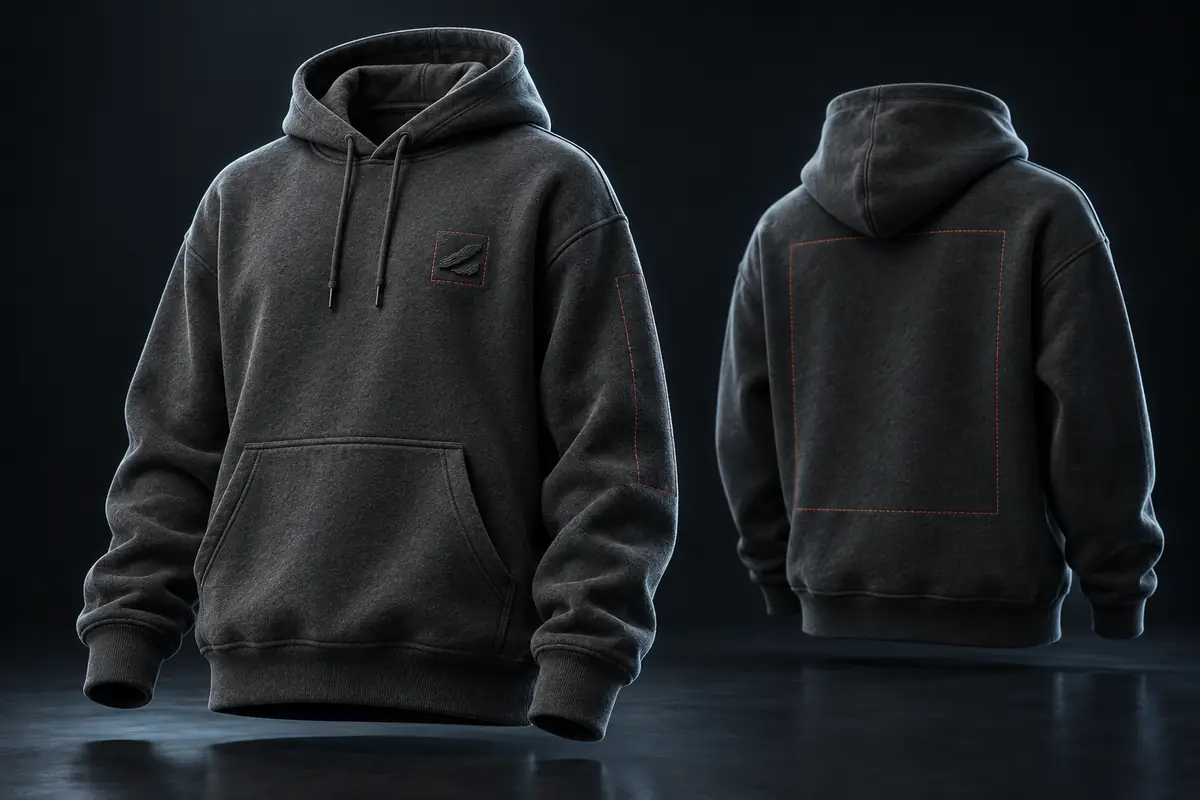
Templates with garment views and zones, assigned per product, per category or as the shop default.

WooCommerce order capture for embroidery and screen printing
Customers choose a decoration area on your garment, add text or a logo, pick thread or ink from your own chart, and pay the price your server calculates. Your shop gets the proof the customer approved and a Job Jacket your embroiderer can work from.
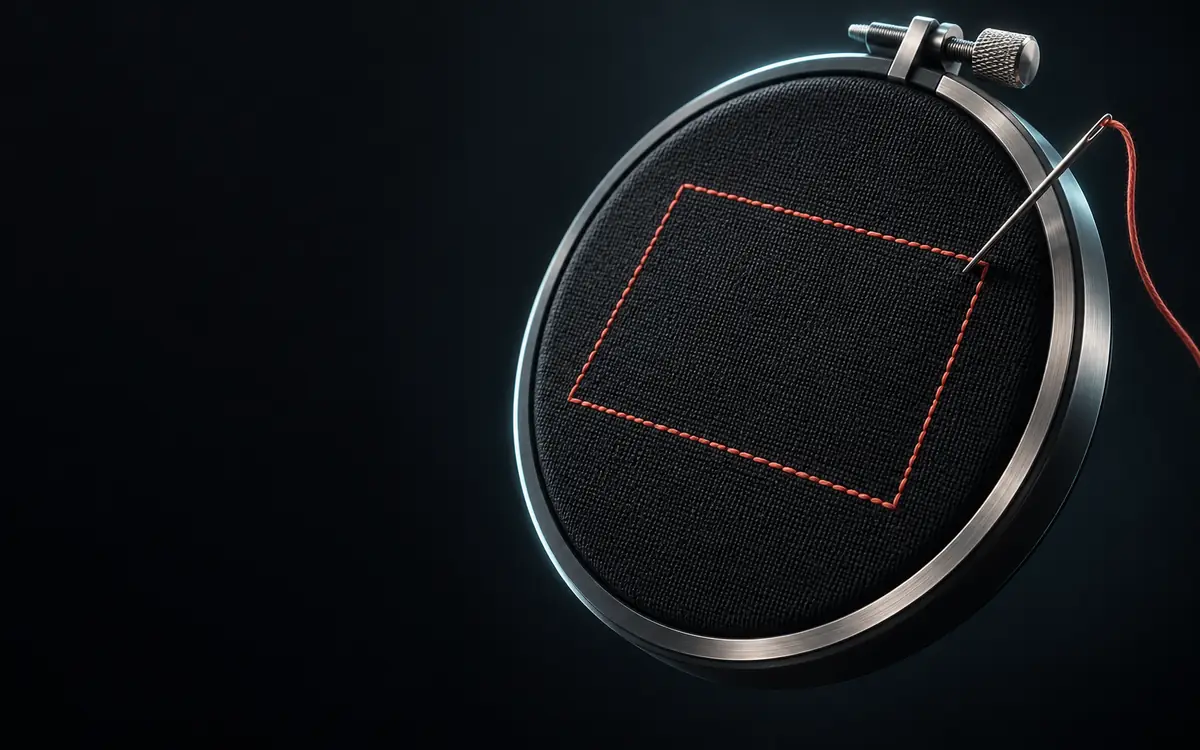
The production boundary
A canvas designer lets the customer draw anything. Then your shop has to work out whether it can be stitched.
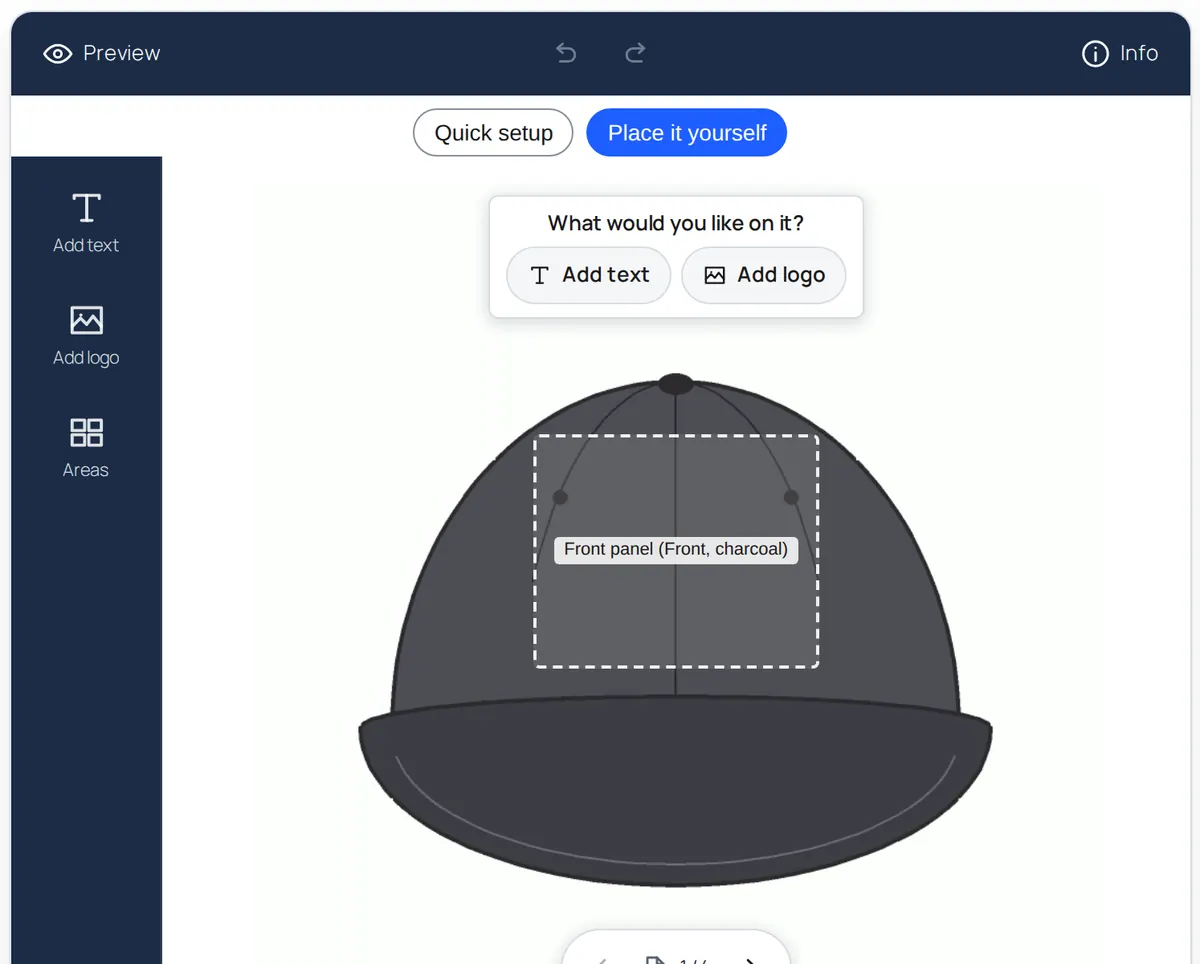
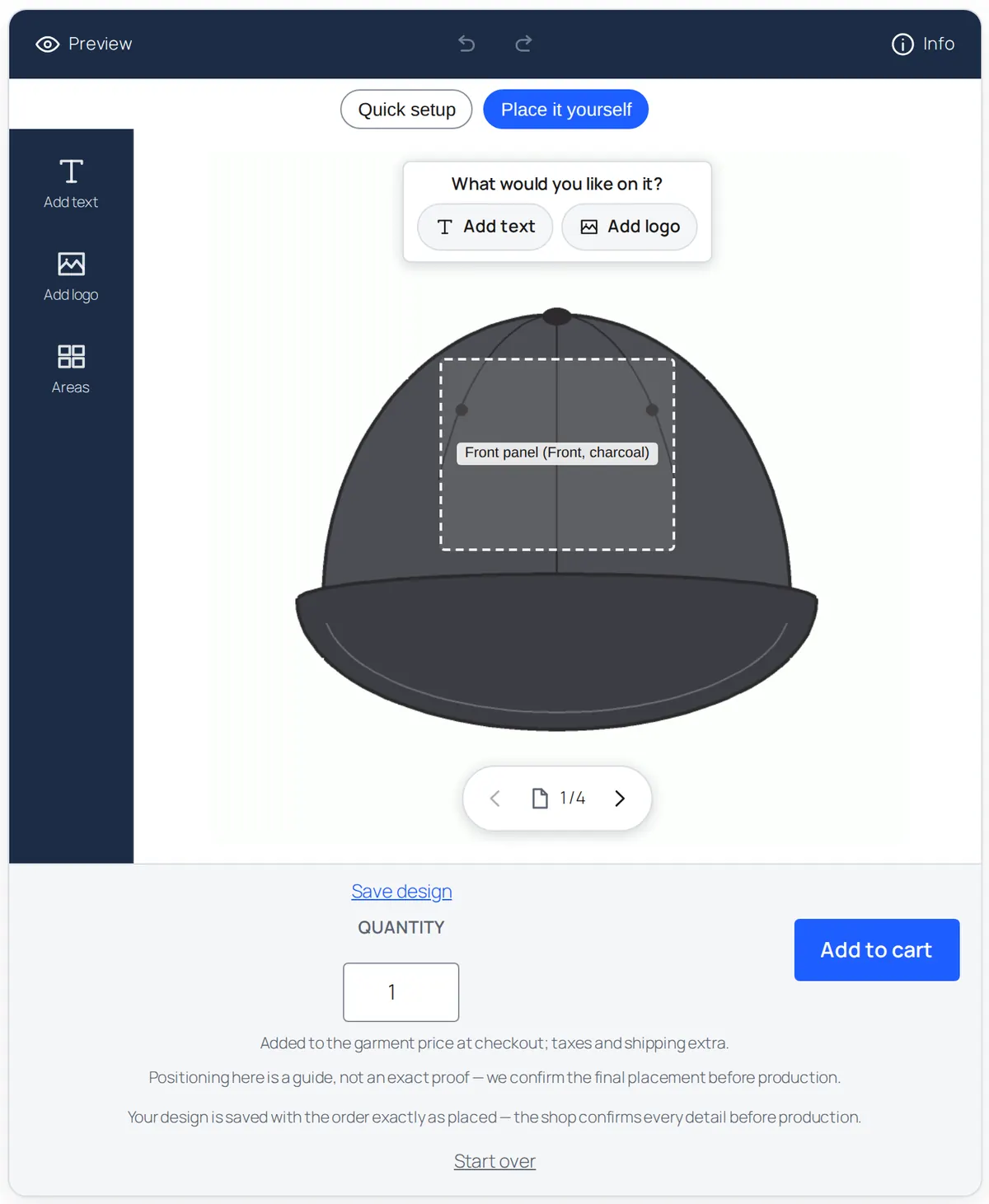
StitchPress takes placement-based orders. You draw the decoration areas on your garment photos and set the sizes each area allows. The customer works inside them, and the add to cart is refused, with a visible reason, when a design does not match your template.
One connected record
Select a row to follow example order #1042 from the zone the customer filled to the sheet your floor works from.
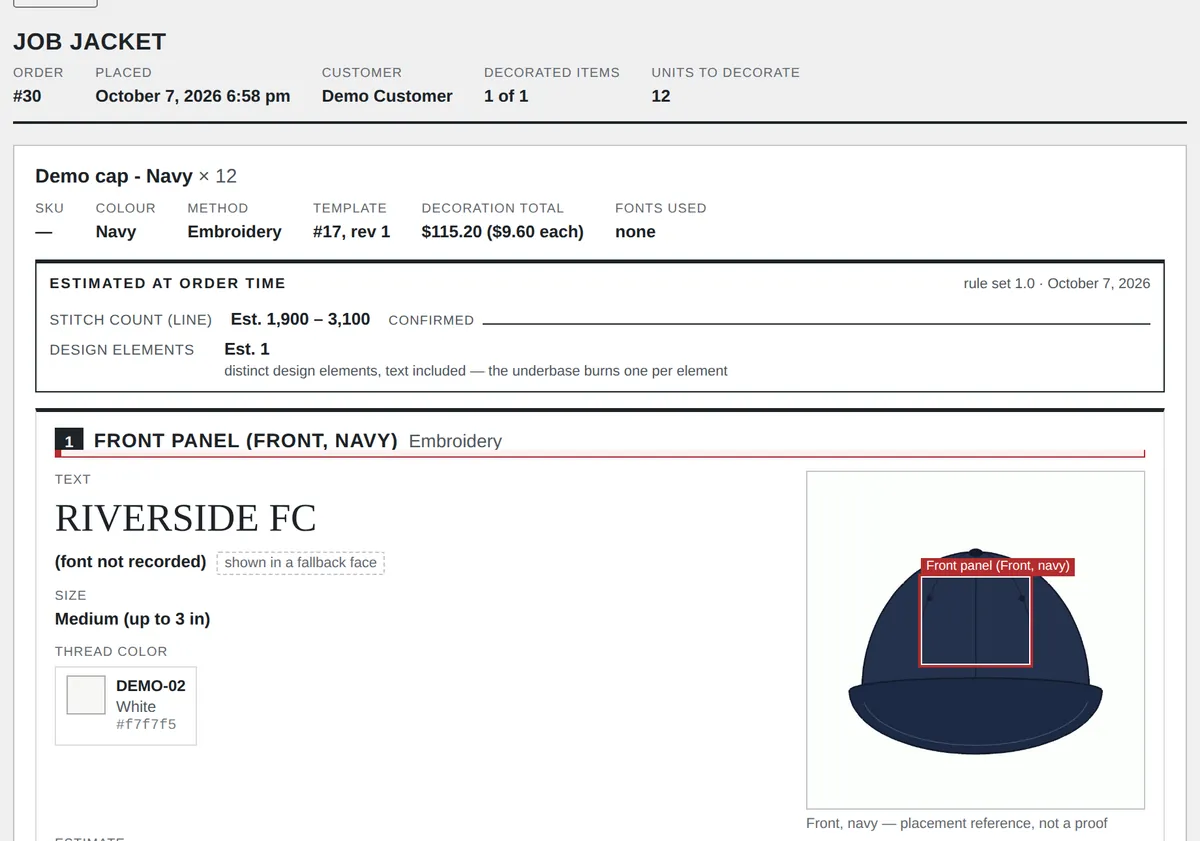
Placement, size, colours, text, typeface and artwork reference are stored on the order line. Edit or delete a template later and old orders still render and print the same way.
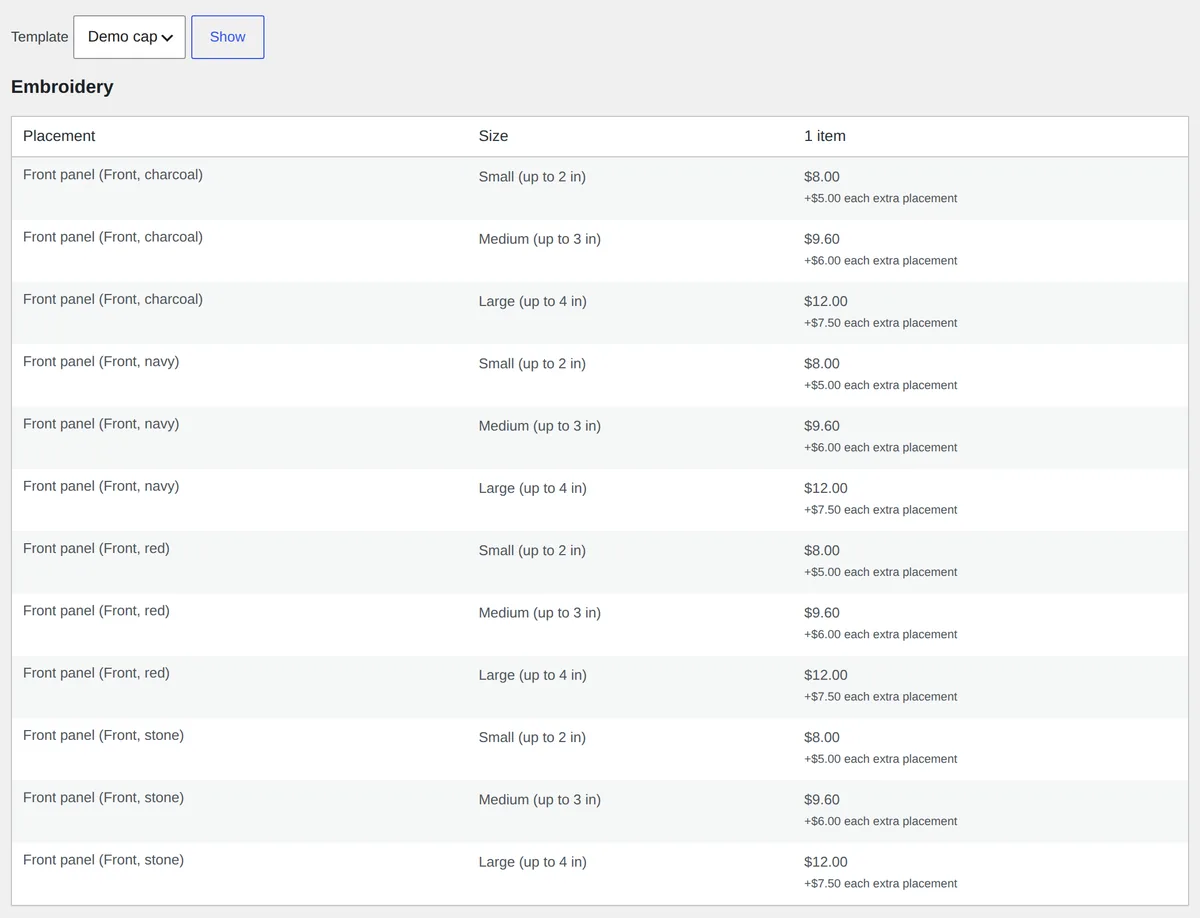
Embroidery by placement and size, screen printing by ink count and quantity. Where an area has a real width, the size the customer draws sets the price band, so a large logo cannot check out at the small price. Setup fees are counted once per job across the cart.
Proofs go out through a signed link. The customer approves or asks for changes, and the order waits until a round is approved. If a change costs more on a paid order, a linked balance order carries the difference and the paid order keeps its totals.
Every decorated order gets a production sheet: placement, size, thread or ink by code and name, fonts used, the artwork download, the approved proof, stitch or screen estimates. Print one, or batch print the queue.
Artwork: logo-v2.pdfStatus: Queued
Shop side
Templates with garment views and zones, assigned per product, per category or as the shop default.
The Price matrix lists each placement and size of a template with its computed price.

Seven WooCommerce emails. CSV export. A REST API and signed webhooks for your other systems.

Rights
No bundled fonts, no bundled colour library. You upload the fonts your shop holds webfont licences for, with a confirmation per file, and import your own thread or ink chart as CSV. Pantone is never bundled.
Ownership
Nothing passes through our servers. Designs, artwork, proofs and orders stay in your database and uploads folder. The only outside call is licence activation, after you enter a key or opt in. An expired licence keeps every feature working.
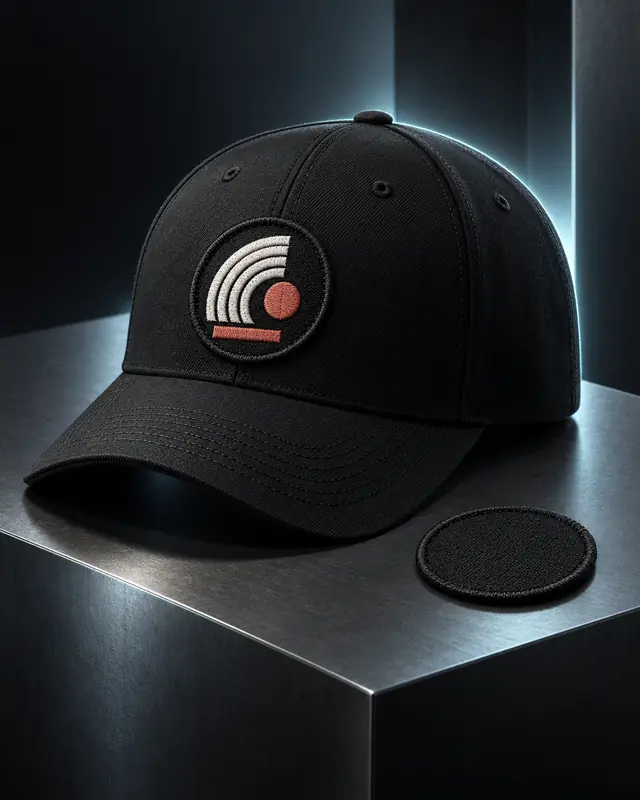
Built for fixed decoration areas
Caps, shirts, bags and other blanks with set placement zones. Shops that want the designer and the order workflow on a site they own, with no monthly platform fee and no cut of each order.
If your production sheet is a screenshot and your pricing lives in the theme to catch mismatches, StitchPress replaces both with a record the server priced.
There is no freeform canvas, no image filters, no vector export and no clip-art library, on purpose. A canvas product designer is the better fit for those shops. See the comparison.
Storefront performance
1,356 msdown from 5,008 ms in version 0.14
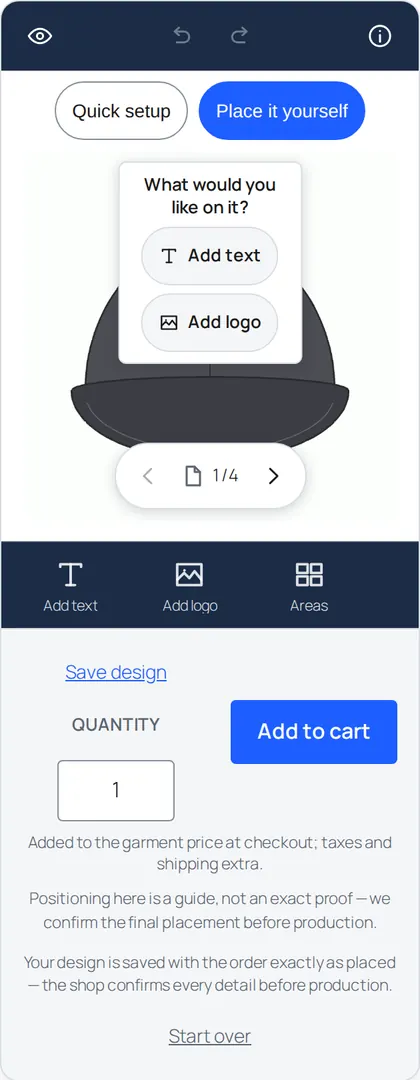
A small boot module draws the first screen and loads the full editor on first use: 1,356 ms to ready on a throttled phone in our lab run, down from 5,008 ms in version 0.14. Two modes per template: tap a zone and fill a short form, or place text and logos on the garment and drag, scale and rotate them inside the zone.
Pricing
One yearly licence. Plans differ only in how many live sites they cover.
Studio · 3 sites
$349/year
Up to three live stores. Staging and local copies never use a seat.
See the Studio planRenewal at the same price. 14-day refund, any reason. GPLv2 or later: you pay for updates, support and the StitchPress name, not for permission to run the code.
See the complete workflow
Order a decorated cap on the demo, then log in and see what the shop sees: the order, its Job Jacket, the production queue and the template that priced it. Everything on the demo is wiped once a day.
